
Manage all your transport modes in a single multi-modal tool
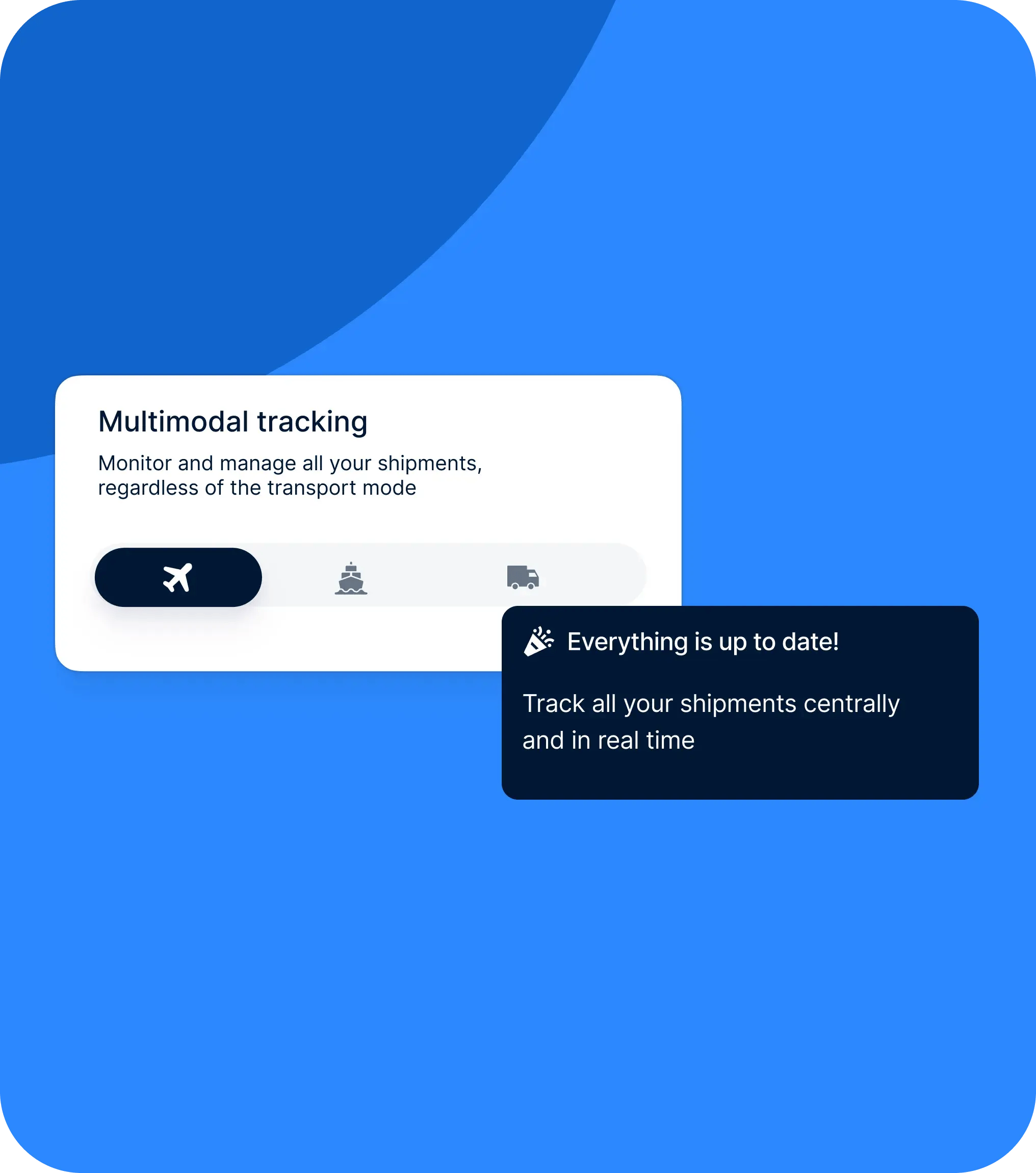
Air, sea, road, rail or combined: Shiptify lets you manage all your shipments, whatever the mode used. Centralize your bookings, shipments and tracking of multi-modal flows in a single interface.
✓ All your transport modes in a single tool
✓ Easy management of combined transports
✓ Centralized tracking of shipments whatever the transport mode

+20.000 logistics professionals collaborate on Shiptify every day.





























Truly multimodal management
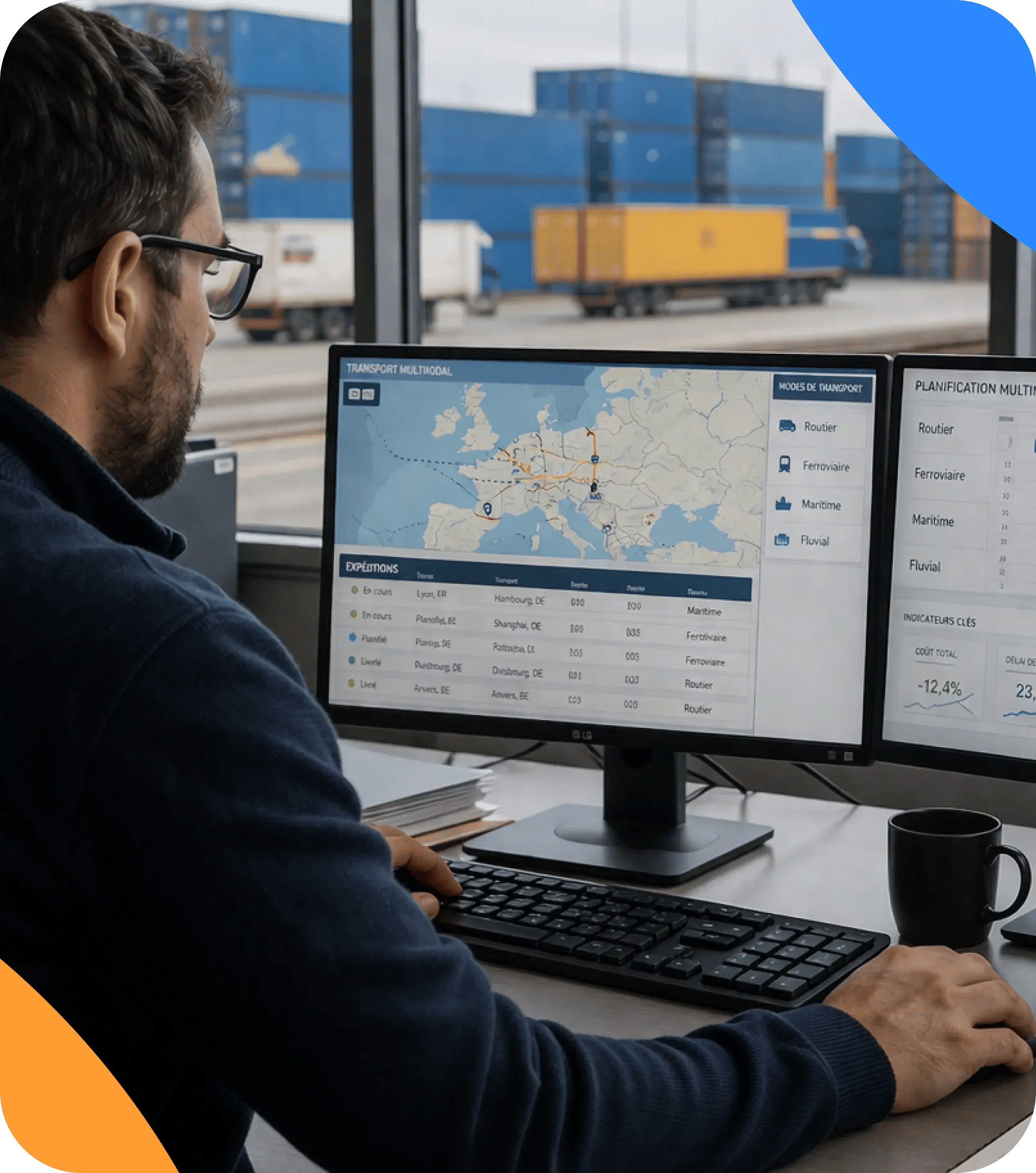
Create your bookings by selecting the appropriate mode of transport: air, sea, road, rail, express, courier, Ro-Ro or combined (air-sea, road-sea, etc.).
Frictionless combined transport
When creating a booking, you can select a second transport mode to easily manage multi-segment flows.
Greater visibility overseas
Find ETAs, ETDs and shipping or airline companies directly in your tracking view, without the need for multiple tools.
Centralized, up-to-date information
Transport data can be accessed from the list or Kanban view, for easy, operational reading.
A solution that adapts to your needs
You can activate new transport modes at any time as your business evolves.

01
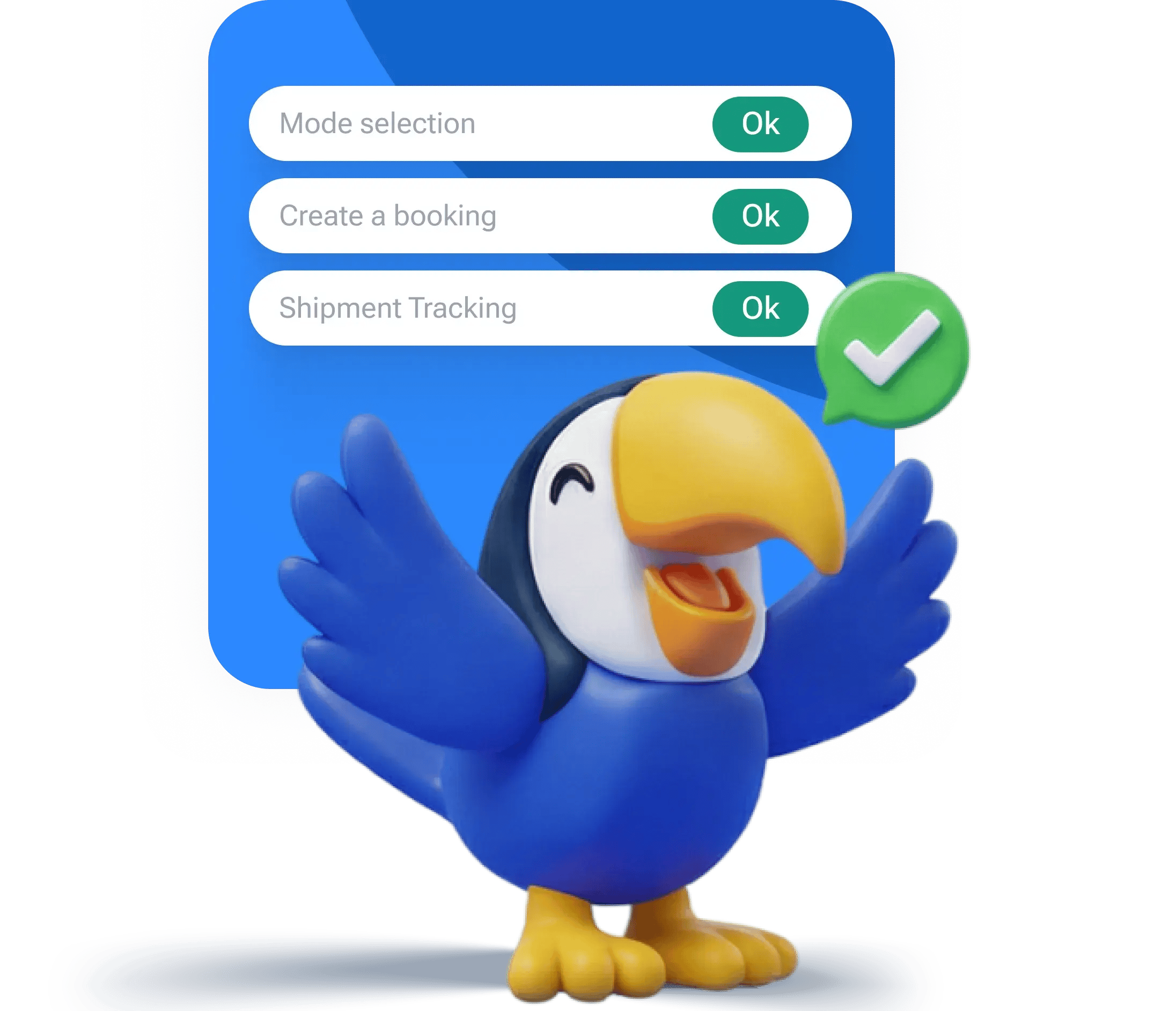
Transport mode selection
When creating a booking, select the desired transport mode. If necessary, add a second mode to manage a combined shipment.
02
Transport file creation
The application form automatically adapts to the selected mode to collect the right information.
03
Tracking shipments in the FOLLOW-UP view
Access all your files from the Tracking tab, in list or Kanban view, with key information for each shipment.
04
ETA / ETD management for overseas markets
Add or update ETA/ETDs, ports, company and Bill of Lading directly from the general view or from the transport folder.
A unified view of all your flows
All your modes of transport tracked in one place
Less loss of information
ETA/ETDs are centralized and easily updated
Time-saving in everyday life
No need to juggle multiple tools or files
A scalable solution
Add transport modes according to your needs, without changing tools
Which modes of transport are available in Shiptify
Shiptify supports air, sea, road, rail, express, courier, Ro-Ro and combined transport.
Can I track the ETA/ETD of my overseas shipments?
Yes, ETAs/ETDs can be entered and updated directly from the tracking view or from the transport file.
Can I manage multi-modal shipments?
Yes, you can select several transport modes for a single booking.
Is it possible to add a new mode of transport?
Yes, just contact Shiptify support to activate an additional mode.