
Centralize your Express/Messaging, labels and customs flows in a single platform

Manage your express and courier shipments in Shiptify, automatically generate labels and structure your customs data (custom invoices) for faster, more reliable and better-tracked shipments.

✓ Express & courier flow management in Shiptify
✓ Automatically generated carrier labels
✓ Digital customs (custom invoices & xlsx import)

I want a demo
EN_Hero banner express

+80.000 logistics professionals collaborate on Shiptify every day.

Logo_tediber 2
louis vuitton 2
Logo_showroomprive.svg 2
Logo albea 2
Chanel_logo_complet 2
Logo_Manitou_Group 2
Yoplait.svg 2
safran 2
stefoo
Carhartt-Logo 2
bash 2
Logo_faguo_bleu-2017 2
Loewe_logo 2
logo_horus2 2
Lindt-Logo.svg 2
GEMO-PAV-HORIZ 2
LO_PILOT 2
Häagen-Dazs_Logo.svg 2
bazarchic 2
adopt 2
Alstom_logo.svg 2
manutan 2
Lyreco_Logotype_RGB_positive 2
somfy
staci 2
sonepar 2
veepee logo 2
Eram_logo_2006 2
GEMO-PAV-HORIZ 2
Lindt-Logo.svg 2
sec img express courier

Express/messenger flows and customs often create friction?

Between multiple tools, manually retrieved labels, scattered customs information and varying carrier requirements, express and courier shipments quickly become time-consuming and risky.

The result:

  • Entries and re-entries in multiple tools
  • Document errors (label, customs)
  • Shipments blocked for lack of complete information
  • Lack of traceability and standardization
  • Misused parcels and pallets

Shiptify enables you to manage these flows within a single framework, from booking to tracking, by automating key elements (labels, tracking, customs).

I want a demo

What centralized express/messenger and customs management means for your shipments

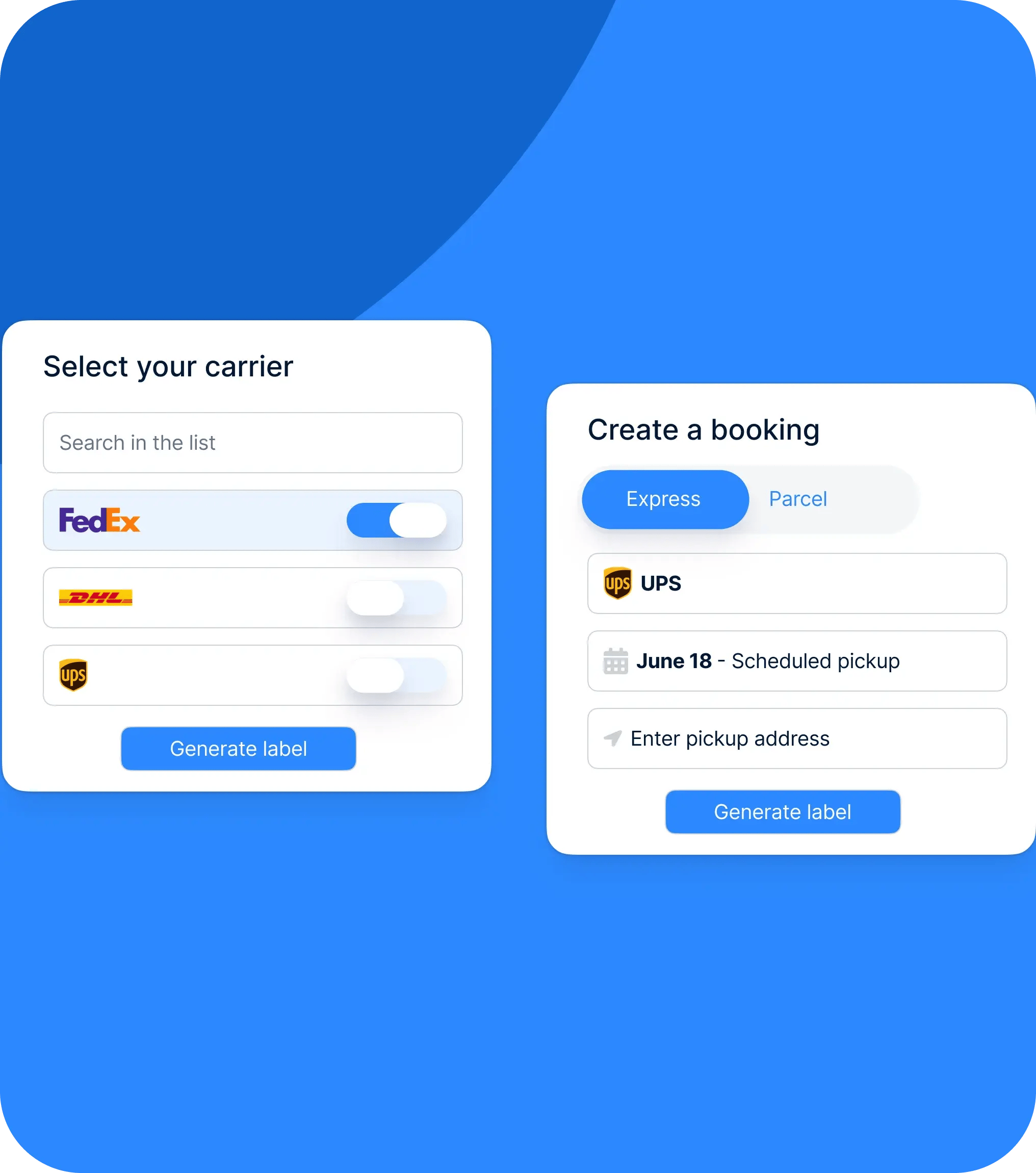
Express/Messaging management in Shiptify Centralize your express (DHL, FedEx, UPS...) and courier shipments in the same interface as the rest of your transport operations, with unified tracking.
Automatically generated carrier label Once the request has been confirmed, the directional label is automatically added to the file attachments: all you have to do is print it out.
Automated transport tracking Tracking points are automatically transferred to the tracking section of the file.
Two operating scenarios: pick-up or collection Pick-up corresponds to a "site" tour (e.g. a daily collection) with no collection date to manage, whereas collection is a one-off request made from a third-party location.
Digital customs via "Custom invoice Create a structured customs invoice (lines, weight, origin, HS codes, charges) and link it to the booking at the time of creation.
Import xlsx to industrialize customs Upload one or more customs invoices via an xlsx file to save time and reduce data entry errors.
CO₂ compatible data Your Express/Messenger shipments can be integrated into your CO₂ tracking system (with calculation logic adapted according to flow type).
Shiptify mascot with package
I want a demo

How it works

How it works

EN_Comment ça marche - express
01
Study & activation of the Express/Messaging perimeter These flows require prior study (needs, services, feasibility, carrier settings). Your sales or support contact can help you.
02
Create shipment (Express or Courier) During creation, you choose Express or Messaging mode, then the pickup or collection scenario, depending on your operations.
03
Confirmation & automation of key elements Once the request has been confirmed: the label is automatically added to the attachments. Tracking is automatically moved to the
04
Customs management (if applicable) When creating a booking, you can enter a single value, link an existing custom invoice, create a new one, or import an XLSX file.
Shiptify mascot on a boat

The benefits

Total centralization A single tool for freight + express/messenger + documents
Time-saving in the field Automated labeling and tracking, fewer manual actions
Fewer customs errors Custom structured invoices, xlsx import and consistent data
Better traceability Documents, labels, tracking: everything is linked to the transport file.

Frequently asked questions

Can Shiptify handle all Express/Message flows?

Shiptify can manage express and/or courier flows, but this requires a preliminary study to validate the scope and configuration.

What's the difference between pickup and removal?

Pick-up corresponds to recurrent collection at your site. Pick-up allows you to request collection from another site (third-party location).

Can I import several customs invoices at once?

Yes, via a structured xlsx file that allows several customs invoices, their loads and lines to be loaded.

How do I retrieve the carrier label?

It is automatically generated and added to the file attachments once the request has been confirmed.

Can I create a customs invoice directly in Shiptify?

Yes, by creating custom invoices (lines, origin, HS codes, charges...).

Simplify your Express/Messenger shipments, from label to customs

Discover how Shiptify centralizes your fast flows, automates labeling and secures your customs data.

I want a demo
Shiptify mascot