
Plan and control your dock activity, slot by slot
Structure your dock areas, define your actual capacities and organize your appointments seamlessly. With Shiptify, you can adapt your warehouse planning to your operational constraints, day after day.
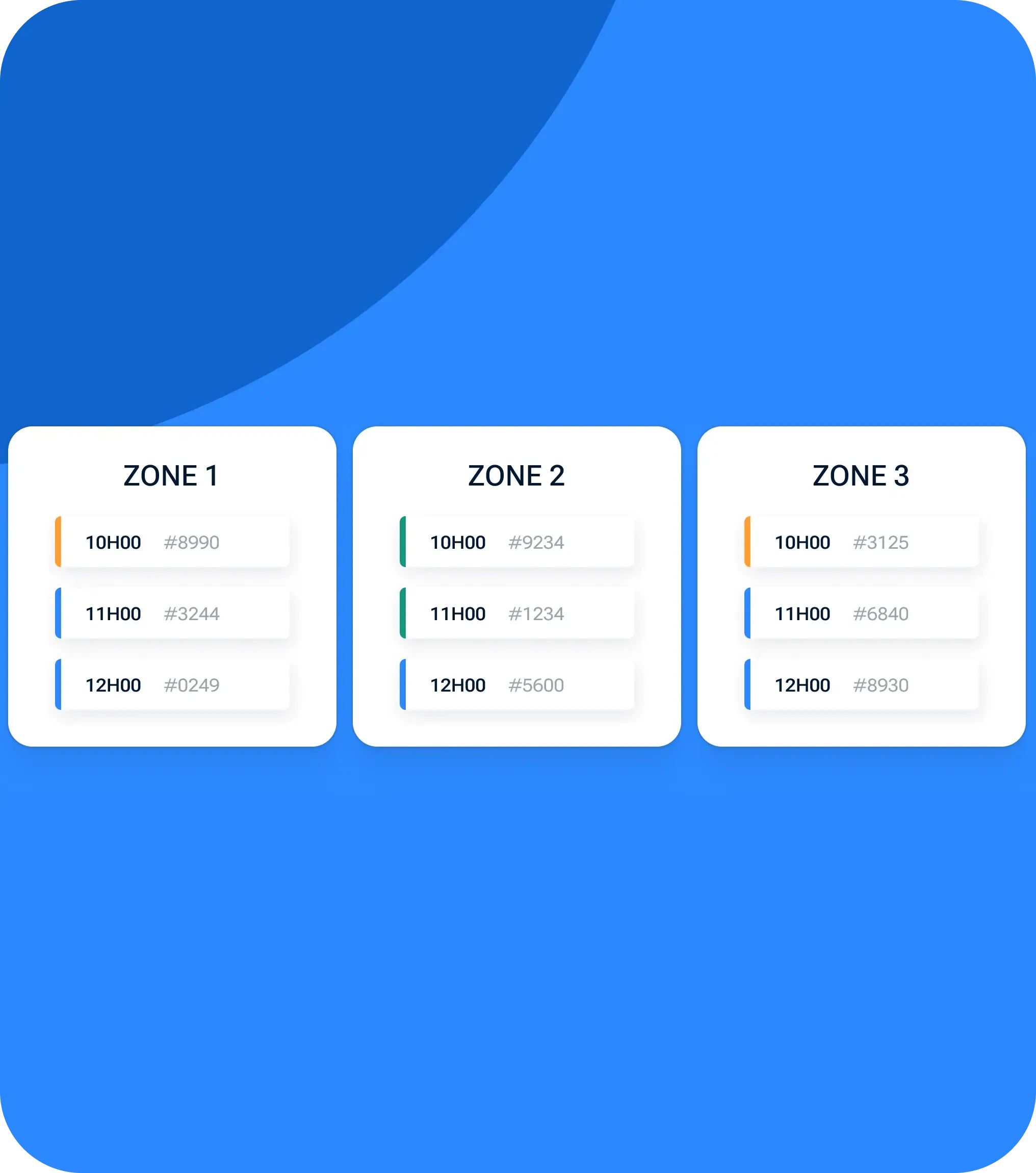
✓ Precise planning by zone and time slot
✓ Controlled dock capacity
✓ Organization adapted to your field reality

+20.000 logistics professionals collaborate on Shiptify every day.






























Clearly defined docking zones
Create several zones to separate your activity (receiving, shipping, type of flow, specific constraints, etc.). Each zone can be configured independently.
Capacity controlled by niche
Define the number of docks available, the frequency of appointments (with 15, 30 or 60-minute slots, for example) and the number of trucks that can arrive simultaneously. This allows you to smooth activity and avoid sudden peaks.
Opening hours adapted to your reality
Set up your schedules by day, with multiple time slots if necessary, and adjust capacities according to available shifts.
A clear display on the conveyor side
Choose the way slots are displayed: fixed time or time range corresponding to the slot duration.

01
Creation of dock areas
Use the parameters to create your zones and define their characteristics: visible name, comments, slot frequency, number of docks.
02
Setting schedules and capacities
The application form automatically adapts to the selected mode to collect the right information.
03
Allocation of qua
Assign dock doors to your appointments, so you know exactly where each truck is located in the warehouse. (And if required, use this feature to display key information: hazardous materials, specific constraints, etc.).
04
Planning that fits in with your daily routine
Appointment scheduling without unnecessary blocking, with the ability to define what is mandatory to keep things running smoothly on the carrier side, targeted notifications to automatically alert the relevant members of your team, and a duplicable organization (zones, metadata, documents) to quickly structure multiple docks or warehouses.
Less platform saturation
Smoother, more evenly spread activity over time
Better productivity in the field
Teams work with realistic, controlled time slots
Greater operational visibility
You know when, where and how the trucks arrive
Planning that adapts to your organization
Simple for standard flows, precise for complex constraints
Can I create several dock zones?
Yes, you can create as many zones as you like, each with its own rules.
Do carriers see all the constraints?
No. Some rules can be applied internally without being visible on the carrier side.
Is it possible to adjust capacity according to schedules?
Yes, the number of docks and slots may vary according to time slots and days.
Can I force an appointment out of schedule?
Yes, slots can be added manually without being visible during standard appointment scheduling.